Why Device Fingerprinting Is More Important Than Ever
Decline of Cookies and Traditional Tracking
For years, cookies were the backbone of user identification across digital platforms. But with growing privacy regulations and browser-level restrictions, their effectiveness has significantly declined. Many browsers now block third-party cookies by default, and users are more conscious about clearing or disabling tracking altogether.
This shift has created visibility gaps for businesses trying to distinguish between legitimate users and potential fraudsters, making more persistent and reliable identification methods essential.
Rise of Sophisticated Fraud and Automation
At the same time, fraud has evolved in both scale and complexity. Fraudsters today rely on automated tools such as bots, emulators, and app cloners to create and operate thousands of fake accounts or transactions simultaneously.
The traditional detection methods struggle to keep up, especially when fraudsters continuously change superficial identifiers like IP addresses or locations.
Fraud Moves Across Apps and Web
Customers rarely stick to one channel. They browse on a laptop, sign up on mobile web, and log in through the app. Fraudsters follow the same paths and look for the weakest one.
Each channel brings its own tactics. Apps attract emulator farms, cloned apps, and GPS spoofing. Web sees bots, headless browsers, anti-fingerprinting tools, and incognito sessions used to reset identity.
If you only protect one channel, fraud shifts to the other. Platforms need to understand the device behind every session, whether it starts in an app or a browser.
How Does Device Fingerprinting Work?
Data Collection Across Device, Network, and Environment
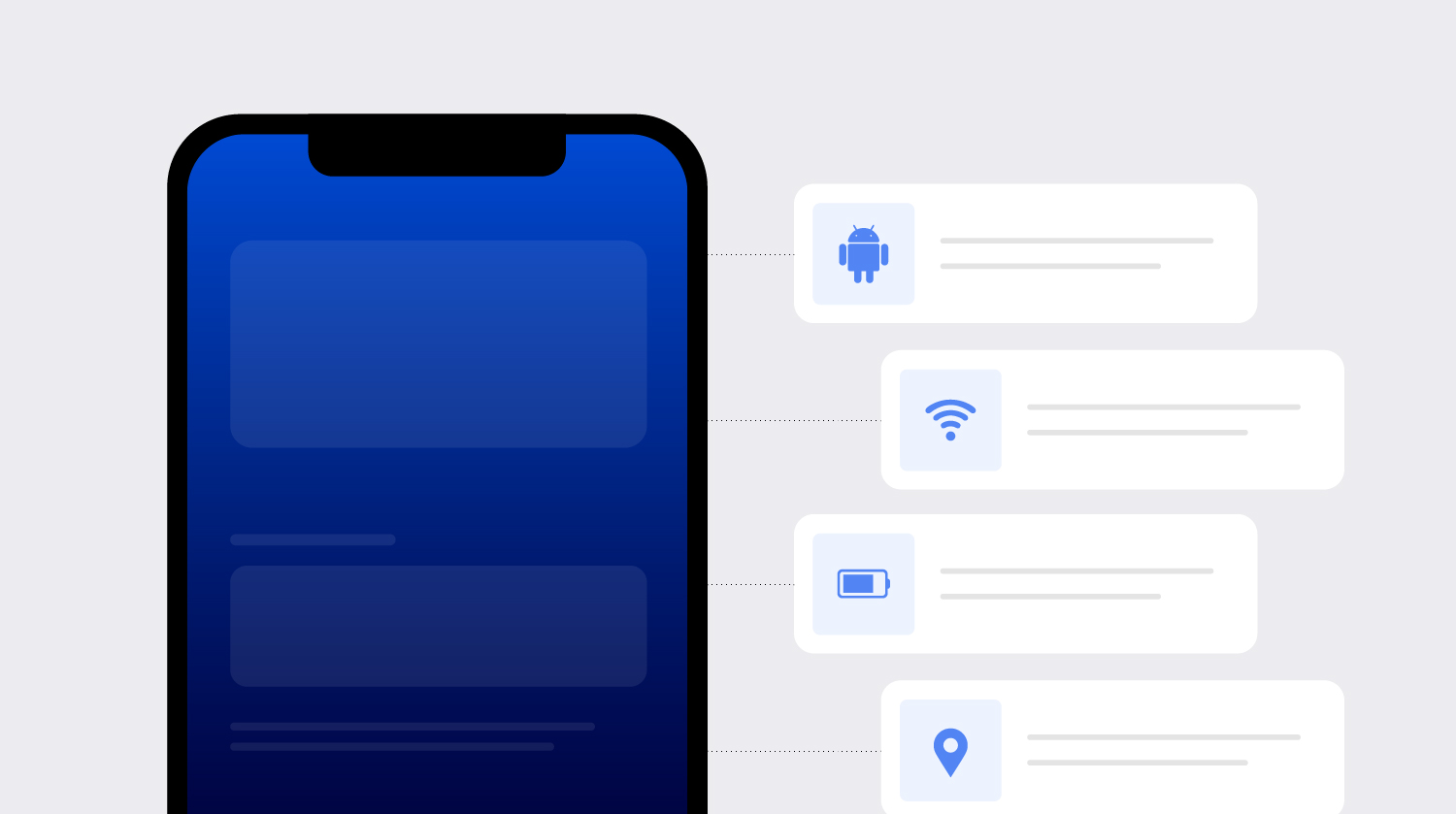
When a user interacts with an app or website, a range of signals are collected from their device. These include device attributes (like model, OS, screen resolution), network data (IP address, connection type), and environment details (browser version, time zone). Individually, these signals aren’t unique. But together, they create a distinctive profile.
Fingerprint Creation Using Device Attributes
These collected signals are combined and processed to generate a unique identifier, known as a device fingerprint (or a Device ID). This fingerprint represents the device’s identity at that point in time and allows platforms to distinguish it from others, even if multiple users appear similar on the surface.
Fingerprint Matching and Persistence
Once created, the fingerprint is used to recognize returning devices across sessions. Even if some attributes change (like IP address or location) the system can still link the activity back to the same device by identifying stable underlying patterns.
Example: one device, twenty accounts
Imagine a fraudster creating fake accounts to claim a sign-up bonus.
Each account uses a different email address. Each sign-up comes through a different VPN location. On the surface, every one looks like a new, legitimate customer.
Device fingerprinting analyzes the signals beneath those surface details. The hardware configuration, operating system characteristics, and environment details stay consistent across all twenty sign-ups. The platform can see that the accounts all come from the same device, or from a small cluster of devices behaving the same way.
With that link established, the fraud team can block further sign-ups, hold the bonuses or conduct extra verification checks before the losses add up.
What Data Points Are Used in Device Fingerprinting?
Device fingerprinting relies on technical signals rather than personal information. They generally fall into four groups.
Hardware attributes include the device model and manufacturer, screen resolution, processor, memory, and available sensors.
Software attributes include the operating system and version, browser type and version, language settings, and, on the web, characteristics such as installed fonts and graphics rendering.
Network signals include the IP address, connection type, mobile carrier, and indicators of VPN, proxy, or Tor use.
Environment and integrity signals show whether the device is behaving like a genuine device. These include time zone and locale consistency, and whether the device is rooted or jailbroken, running in an emulator or virtual OS, or running a modified version of the app.
Notice what's missing from that list: names, email addresses, phone numbers, and contacts. A strong device fingerprint doesn't need them.
Types of Device Fingerprinting Techniques
Most device fingerprinting techniques fall into three types. In practice, mature solutions combine all three.
Browser Fingerprinting
Browser fingerprinting focuses on identifying users based on their browser configuration and environment. This includes details like browser type and version, installed plugins, screen resolution, and language settings.
It helps uncover inconsistencies such as unusual browser setups or repeated use of similar configurations across multiple accounts. This makes it useful for browser fingerprinting fraud detection in web-based platforms.
Mobile Device Fingerprinting
Mobile device fingerprinting uses an SDK inside a native app. That gives it access to a deeper set of signals than a browser can see, including hardware characteristics, OS build details, app environment, and system integrity.
This matters because mobile apps are a primary target for fake account creation, promo abuse, and location spoofing. Mobile fingerprinting is how platforms spot device reuse, emulators, cloned apps, and tampered app builds.
Network and Environment Fingerprinting
This technique analyzes network-level and environmental signals like IP address, connection type, time zone, and geolocation patterns.
While these signals can change more easily (e.g., via VPNs), they still provide valuable context. When combined with device-level data, they help detect anomalies such as location mismatches, proxy usage, or coordinated activity across multiple accounts.
How Device Fingerprinting Prevents and Detects Fraud
Here's how device fingerprinting prevents fraud across the most common attack types.
Detecting multi-account and fake account fraud
Fake accounts are the clearest use case. When many accounts trace back to one device, or a small cluster of devices behaving identically, that's a strong signal of coordinated abuse.
This applies to sign-up bonus abuse, referral fraud, fake reviews, and marketplace collusion, where buyers and sellers or drivers and passengers secretly work together.
Preventing account takeover (ATO)
Account takeover happens when a fraudster gains access to a real customer's account. Device fingerprinting helps in a few ways:
- It recognizes the devices a customer normally uses, so a login from an unfamiliar device can trigger extra checks.
- It flags devices that have accessed many unrelated accounts, a pattern linked to credential stuffing.
- It detects risky tools during the session, such as screen-sharing or remote-access apps used in social engineering scams.
The result is less friction for genuine customers on known devices, and more scrutiny where risk is real.
Identifying bots and automated attacks
Bots and automation tools try to look like real users at scale. Device signals help separate genuine devices from automated environments, such as headless browsers, app clickers, and scripted sessions.
Network-level defenses often miss these because the traffic can come through residential IPs. The device layer shows what the network layer can't.
Detecting emulators, VPNs, and spoofing tools
Many fraud operations depend on tools that virtualize or disguise a device. Integrity checks can detect emulators, virtual OS environments, rooted or jailbroken devices, hooking frameworks, GPS spoofers, and VPN or proxy use.
None of these signals proves fraud on its own. Some genuine users run VPNs for privacy. But combinations of tools, and tools appearing in the wrong context, are highly informative.
Key Components of an Effective Device Fingerprinting Solution
Not all device fingerprinting solutions are equal. When you evaluate one, look at three components.
Persistent Device ID
The identifier should stay stable when a fraudster tries to change it, through resets, reinstalls, app cloning, or attribute spoofing. It should also avoid merging two genuine devices into one. Ask vendors how they measure both, and how they test persistence against real evasion tools.
Device risk indicators
Recognition alone isn't enough. A solution should report what's happening on the device in each session, such as emulators, cloners, spoofers, tampering, bots, and network masking. Check how often signals update and whether you can tune thresholds to your own risk appetite.
Risk scoring
A risk score combines the device's identity, history, and live risk indicators into a single measure. That lets teams automate clear decisions and focus human review on the gray areas. The best scores are explainable, so analysts can see why a device was flagged.
Can Fraudsters Bypass Device Fingerprinting?
Basic device fingerprinting, yes. Persistent device intelligence is much harder.
Fraudsters try a range of tactics: VPNs to change their location, emulators to create virtual devices, app cloners to run multiple copies of an app, factory resets to wipe the device, and spoofing tools that randomize device attributes.
Two things work against them.
The first is persistence. A Device ID built on a deep, stable set of signals can recognize a device even after a reset, reinstall, or attribute scrambling.
The second is that manipulation leaves traces. A genuine customer rarely runs an emulator, a hooking framework, and a GPS spoofer at the same time. The act of disguising a device often becomes one of the strongest risk signals available.
Challenges in Device Fingerprinting
While device fingerprinting is highly effective for fraud prevention, it is not without limitations. Fraudsters continuously evolve their tactics, making it important for businesses to continuously adapt their detection capabilities.
- Device Spoofing: Fraudsters use spoofing tools to manipulate device attributes and appear as different devices.
- VPN and Proxy Usage: Network-masking tools can hide real IP addresses and locations, reducing the reliability of network-level signals.
- Factory Resets and Device Tampering: Resetting or modifying devices can alter certain identifiers and create gaps in recognition.
- Emulator and Virtual Environment Abuse: Fraudsters increasingly rely on emulators and virtual devices to scale fake account creation and automated attacks.
- False Positives: Legitimate users with unusual device setups or privacy tools may sometimes be incorrectly flagged as risky.
- Rapidly Evolving Fraud Techniques: Fraud methods constantly change, requiring fraud prevention systems to continuously learn and adapt.
However, modern device intelligence platforms like SHIELD are designed to tackle these challenges at the root. By combining persistent device identification with real-time fraud intelligence and continuous session monitoring, businesses can detect malicious tools, identify high-risk devices more accurately, and stop fraud before it escalates.
Conclusion
Device fingerprinting gives fraud teams something that accounts, IP addresses, and identity documents can't: a consistent view of the device behind each interaction.
On its own, a basic fingerprint can be fooled by resets, spoofing tools, and emulators. Its full value comes when persistent identification is combined with real-time risk signals, so teams can recognize a device and judge whether to trust it.
As AI makes faces, documents, and behavior easier to fake, the device remains one of the hardest things for fraudsters to hide. Building your defenses on it is one of the most reliable ways to stop fraud at the root.
To see how SHIELD combines persistent device fingerprinting with real-time fraud intelligence, explore SHIELD Device Intelligence.
FAQs
1. How does device fingerprinting work?
Device fingerprinting works by collecting device, browser, network, and environment signals (such as operating system, IP address, screen resolution, and device model) to generate a unique device identifier. This fingerprint helps businesses recognize devices across sessions and detect suspicious or fraudulent activity in real time.
2. How does device fingerprinting prevent fraud?
Device fingerprinting prevents fraud by identifying risky or suspicious devices using unique device and environment signals. It helps businesses detect:
- Fake accounts,
- Account takeover attempts,
- Bot activities,
- Emulators,
- Spoofing tools,
- And other fraudulent activities
3. What are device fingerprinting techniques?
Common device fingerprinting techniques include:
- Browser fingerprinting
- Mobile device fingerprinting
- Network and environment fingerprinting
4. What is the best device fingerprinting fraud detection solution?
SHIELD is the leading device intelligence for enterprises for detecting and preventing fake accounts, account takeovers, promo abuse, bots, spoofing, and other advanced fraud attacks.
Powered by persistent device identification, real-time fraud intelligence, and continuous session monitoring, SHIELD helps businesses identify fraudsters at the root, even when they attempt to manipulate or spoof device fingerprints.
5. How does mobile device fingerprinting work?
Mobile device fingerprinting works by collecting mobile-specific signals such as device model, operating system, app environment, screen configuration, network data, and hardware attributes to generate a unique device identifier. This helps businesses recognize returning devices, detect emulator or spoofing activity, and prevent mobile fraud such as fake account creation, account takeovers, and promo abuse.
6. How does device fingerprinting help prevent account takeover?
1. Recognizes trusted and previously used devices during login attempts.
2. Detects suspicious changes such as new devices, spoofing tools, VPNs, or unusual login environments.
3. Flags high-risk sessions in real time to help businesses block or verify potentially unauthorized access attempts.